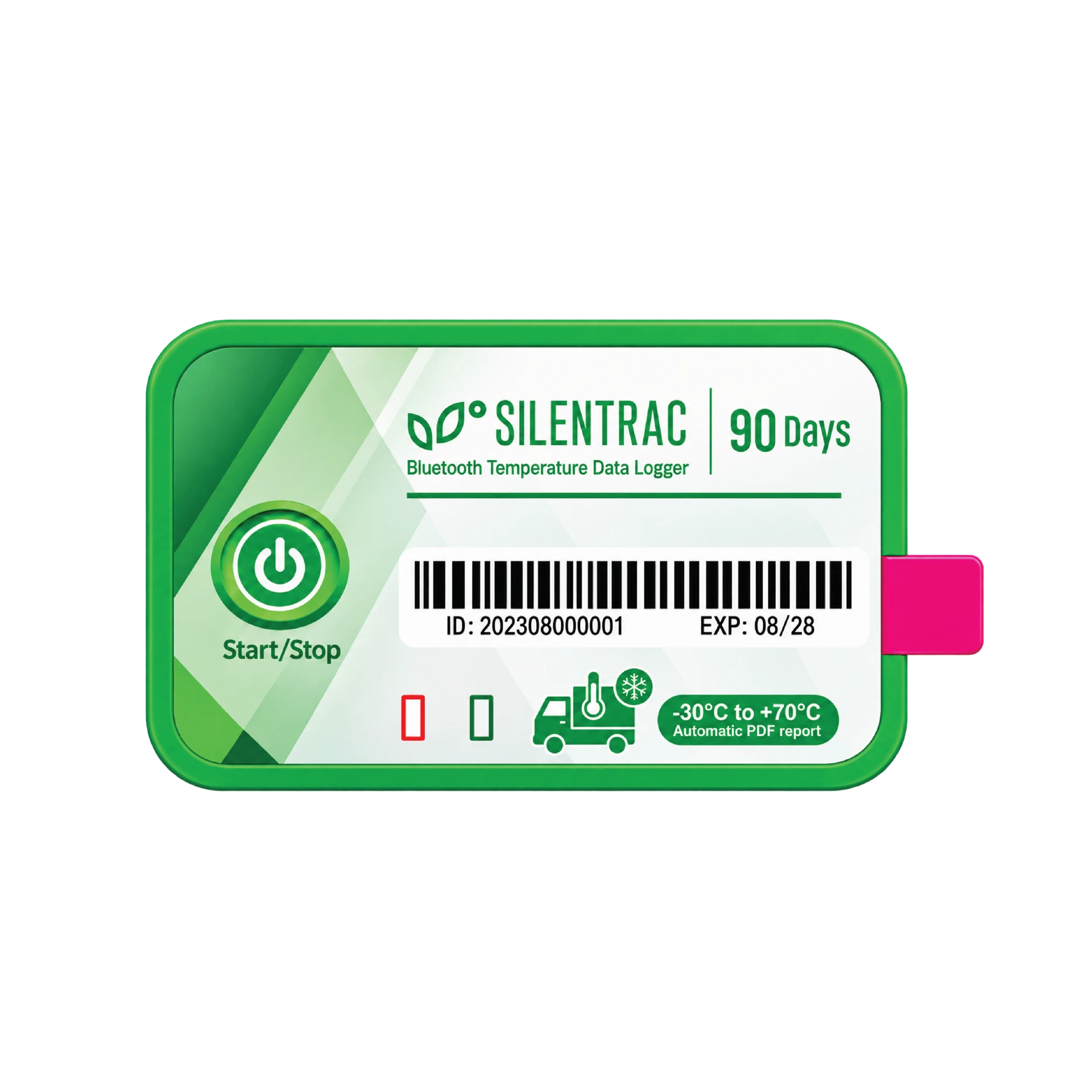
Sensors & loggers
Temperature and other condition records.
View product

Connected hardware, monitoring Jobs and client-configured alerts, all in one operational view.
OnSight Command
Bring together the right sensors, monitoring assets, Jobs and alerts. OnSight Command gives your team an operational view of monitoring activity, with a record to return to when you need it.
Choose suitable hardware.
Link assets and Jobs.
View readings and status.
Receive configured alerts.
Find the record in History.
How Jobs work
Set up the Job to suit your operation, link the relevant sensor or asset, and capture the information your team needs.
Select a setup for the process.
Record required references, product and other information.
Check Jobs In Progress and review configured alerts.
Retrieve the monitoring record later.
Customer setups, required fields and calibration requirements can differ. Confirm the setup for your operation.
Our Products
Choose the device around what you need to measure or detect, where it operates, and how the information reaches your monitoring platform.
Temperature and other condition records.
View product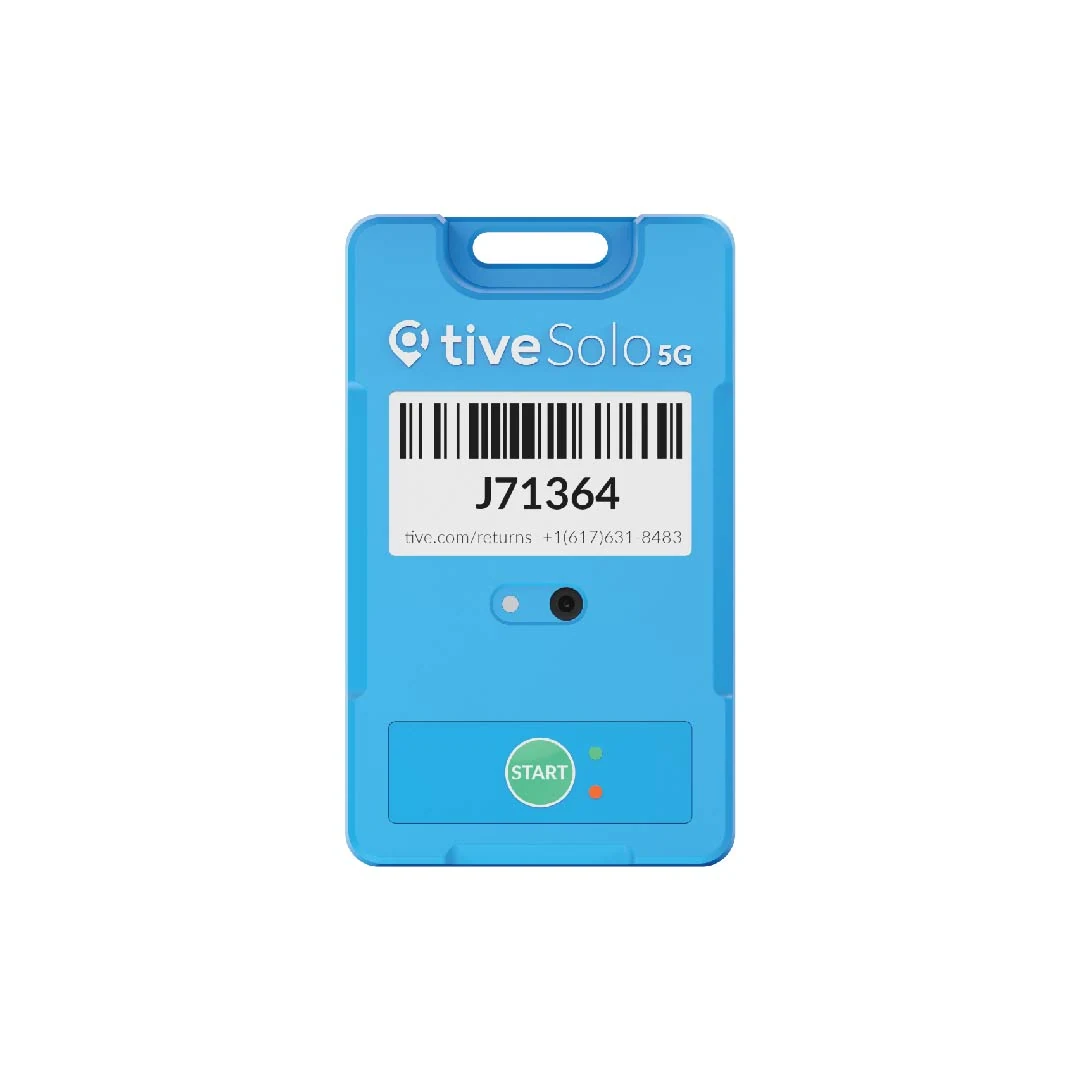
Available location and condition information.
View category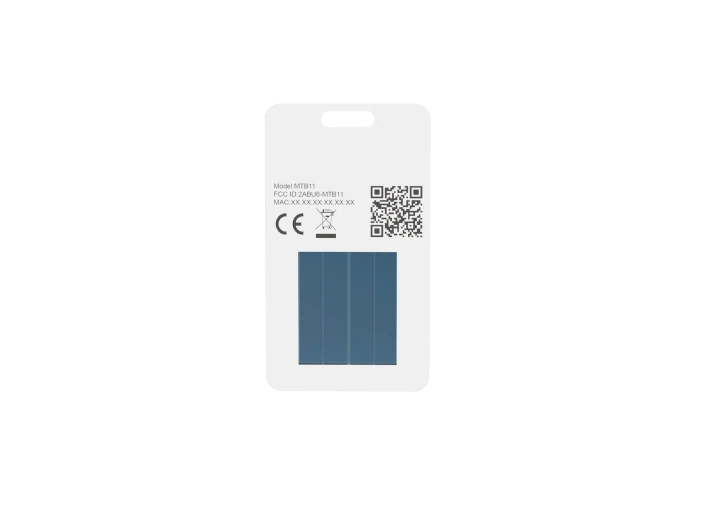
Tags, sensing and gateway-based detections.
View categoryCatalogue examples are for selection guidance. Confirm model specifications, suitability and OnSight Command compatibility with Silentrac.
Client-configured alerts
Choose conditions that suit your monitoring needs, such as an over-temperature event. Email alerts are available, with WhatsApp as an optional additional notification channel when configured for the client.
Illustrative alert
No actual threshold or recipient shown.